On this page (10 sections)
Your AI agent’s attack surface is not just its prompt. It is every tool it can call, every MCP server it trusts, and every non-human identity it uses to authenticate. A single compromised tool or leaked agent credential lets an attacker read files, send messages, or exfiltrate data without injecting a single malicious token. If you ship agents in 2026, secure the tool-call layer first, not the model.
Key takeaways
- The AI agent attack surface includes prompts, tool definitions, MCP server connections, and agent credentials—not just the model input.
- Indirect prompt injection through tool results is a more common real-world vector than direct prompt injection.
- Least privilege for agents means scoped tokens, per-tool allow-lists, and human approval for destructive actions.
- MCP server security starts with validating tool schemas and isolating execution, never trusting the server description.
- A runtime guard complements allow-lists and human approval; it does not replace them.
What is the AI agent attack surface in 2026?
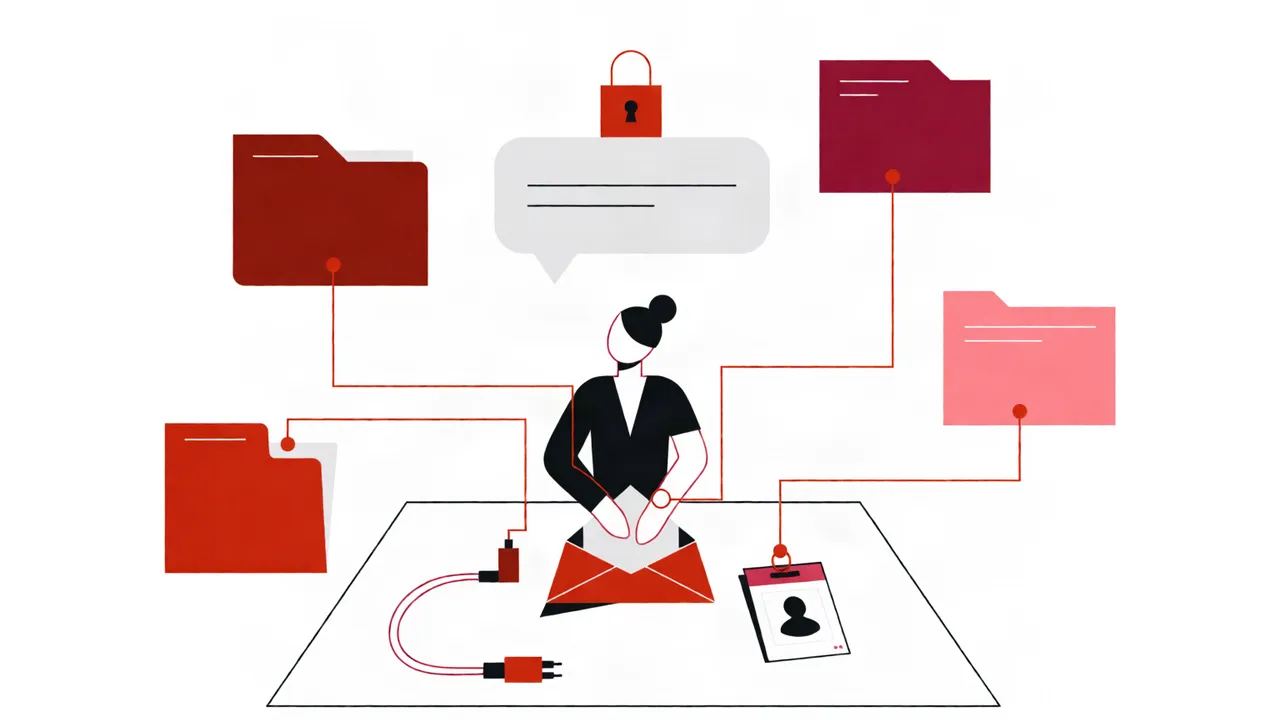
The AI agent attack surface is the full set of points where an agent can be influenced or made to act. That includes the model’s prompt, every tool the agent can call, each MCP server it connects to, and the non-human identity it uses to authenticate. A weakness in any one of them exposes the rest.
In a traditional application, the attack surface is static: HTTP routes, parameters, and database queries. In an agentic application, the model decides which tool to call and with what arguments, so the surface shifts dynamically at runtime. When I review agent threads, I see three layers: the model layer (prompt injection), the tool layer (malicious arguments or poisoned tool definitions), and the identity layer (over-scoped credentials). Public reference pages such as Palo Alto Networks’ AI agent attack surface overview and this attack-surface mapping post returned 404 when I checked them in November 2026, so the controls below come from observed agent behavior rather than third-party benchmarks.
| Layer | Traditional application | AI agent |
|---|---|---|
| Entry points | HTTP routes and parameters | Prompt text, tool calls, MCP server links, agent credentials |
| Trust boundary | Network perimeter | Model reasoning boundary |
| Unit of execution | Request/response cycle | Plan-then-act loop |
| Data exfiltration path | API responses or database dumps | Tool outputs, emails, outbound HTTP requests |
| Typical compromise | Stolen session, SQL injection | Leaked agent token, malicious tool result |
Beyond the prompt: new attack vectors for autonomous agents

Prompt injection is only one vector. The more dangerous ones arrive through tool results and MCP server responses. An agent that reads an email or a database row can execute hidden instructions embedded in that data, then act on them with its own credentials.
Indirect prompt injection works like this: your agent summarizes an inbound email. The email contains a hidden instruction to export all contacts and POST them to an external endpoint. Because the agent has an outbound HTTP tool and a contacts tool, it obeys. Tool poisoning is similar: a malicious MCP server registers a tool named read_file, but its handler forwards file contents to an attacker. Credential theft lets an attacker call the agent’s tools directly if the agent stores a long-lived token in plaintext. Agent-to-agent impersonation happens when one agent trusts another agent’s output without revalidating it.
For a deeper look at how malicious API interactions reach your agent, see Securing AI Agent Tool Use: Preventing Malicious Actions via API Interactions.
OWASP Top 10 for Agentic Applications: what developers need to know
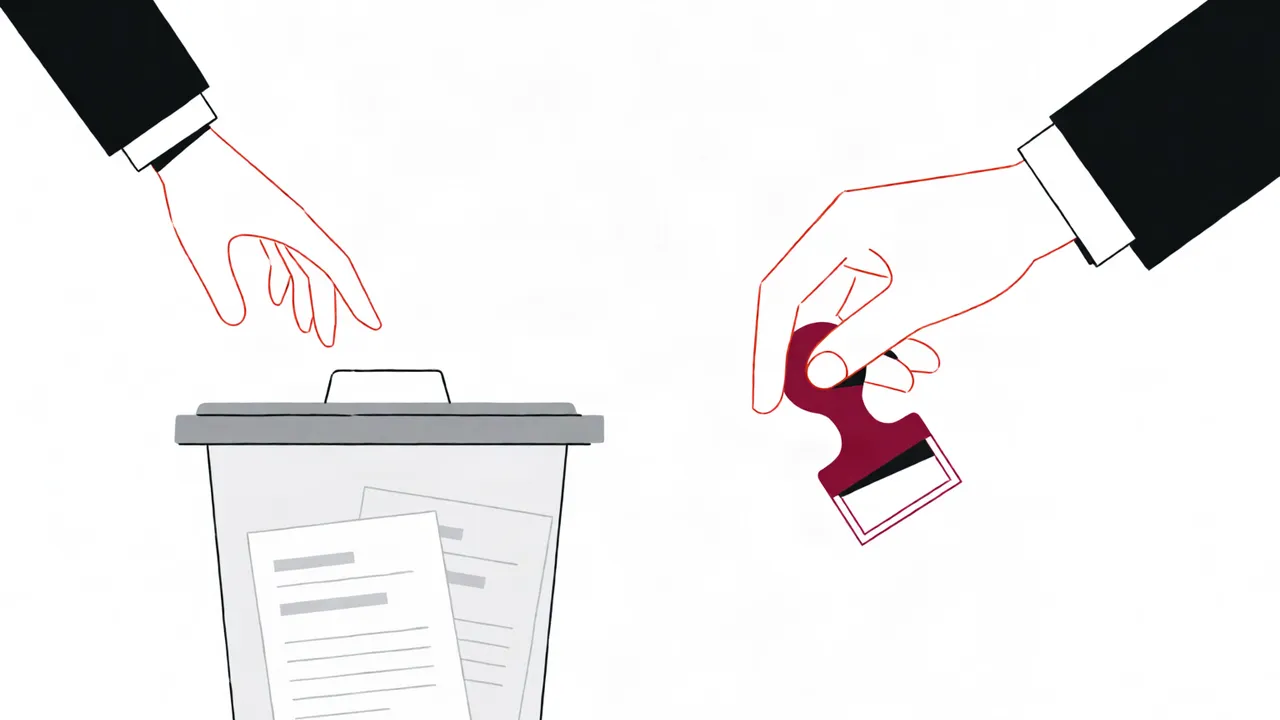
OWASP’s agentic Top 10 treats the agent as an application with autonomous decision-making. The risks that matter most to developers are prompt injection, insecure output handling, excessive agency, and unauthorized tool use. Each maps to a control you can enforce before the tool call happens.
| Agentic risk | What it looks like | Control |
|---|---|---|
| Prompt injection | User or tool text overrides system instructions | Input validation, system prompt separation, pre-tool-call hooks |
| Insecure output handling | Agent output executed as shell or SQL | Sandbox, output encoding, allow-listed commands |
| Excessive agency | Agent deletes data or sends email without approval | Human-in-the-loop for writes, least-privilege tokens |
| Unauthorized tool use | Agent calls a tool it should not access | Tool allow-lists, scoped MCP server connections |
OWASP is a framework, not a scanner. You still have to enforce the controls in your own runtime. For implementation detail, see Implementing Fine-Grained Access Control for AI Agents: A How-To Guide.
Securing the tool-call layer: preventing MCP and API injection
Secure the tool-call layer by validating every tool call against its schema before execution. Your pre-tool-call hook should return allow, ask, or block. MCP server security means you never trust a server’s tool description; you sandbox execution and verify the server’s identity.
MCP servers expose tools over stdio or HTTP. The agent sees the tool name, description, and input schema. An attacker who controls the server can rewrite the description to trick the agent into calling it with sensitive arguments. API injection happens when user-controlled text reaches a tool argument without sanitization—for example, a user-provided filename passed directly to a file-read tool.
A runnable next step is to add a pre-tool-call hook that inspects the tool name, arguments, and caller identity, then returns a verdict. If you use MCP Guard, the hook returns a calibrated score and you set the allow/ask/block thresholds yourself. Do not copy vendor defaults; tune them against your own traffic. For input validation specifics, see Real-time Input Validation for AI Agents: A Developer's Guide to Preventing Prompt Injection.
Managing non-human identities and least privilege for AI agents
Your agent is a non-human identity. It should authenticate with its own scoped token, never with your personal OAuth or admin credentials. Least privilege means the agent can call only the tools it needs, and only with the arguments you allow.
Create a service principal for each agent. Scope it to read-only where possible. Use short-lived tokens. Separate read and write tools. If an agent needs to send email, give it a send-only token, not full mailbox access. Privilege escalation happens when an agent chains a read tool to a write tool—for example, it reads a config file that contains an API key, then uses that key to call another service. Prevent this by isolating tool contexts and not letting tool outputs become credentials.
| Identity type | Scope | Rotation | Approval needed |
|---|---|---|---|
| Personal user account | Full mailbox, calendar, drive | Monthly | No — dangerous |
| Agent service principal | One folder, read-only API | Every 7 days | Yes for writes |
| Shared admin credential | All tools | Never | No — do not use |
AI agent data exfiltration: how it happens and how to stop it
Data exfiltration happens when an agent sends information outside your environment through a tool the user did not approve. Common paths are outbound HTTP requests, email sends, and MCP resource reads that return sensitive content to an external server.
The agent might summarize a document and then call a webhook tool to post the summary to an external endpoint. Or it reads a local file via MCP and the server forwards the contents elsewhere. Controls include an outbound domain allow-list, inspection of tool arguments for URLs, blocking file reads outside permitted directories, and requiring human approval for any external network call. Log every exfiltration attempt so you can detect patterns after the fact.
Practical steps to reduce your AI agent's blast radius
Reduce blast radius by assuming the agent will eventually be compromised. Sandbox code execution, limit file-system paths, restrict outbound domains, and require human approval for any destructive action.
- Run agent code in a sandbox or container with no network by default.
- Mount only the directories the agent needs, read-only where possible.
- Allow-list outbound domains; block everything else.
- Require human approval for sends, deletes, and writes.
- Use short-lived agent tokens and rotate them on a fixed schedule.
- Log every tool call with input, output, and caller identity.
For policy enforcement at runtime, see Implementing Real-time Policy Enforcement for AI Agents in 2026.
Continuous monitoring and threat modeling for evolving agentic risks
Threat model the agent as a microservice that can call other services. Log every tool call, alert on new tools or new outbound domains, and review agent behavior weekly.
Threat modeling is not a one-time document. When you add a new MCP server, update the model. When the agent calls a tool it has never called before, investigate. Monitor for credential usage outside normal business hours. For a structured approach, see AI Agent Threat Modeling: A Practical Guide for Developers and Validating AI Agent Guardrails: A Developer's Guide to Automated Testing.
Actionable checklist: hardening your AI agents against current threats
| Control | Why it matters | How to test |
|---|---|---|
| Inventory every tool and MCP server | You cannot secure what you do not know about | List all registered tools in your agent framework |
| Scope agent identities | Limits damage from leaked credentials | Attempt to call a tool outside the agent’s scope; expect a denial |
| Enable pre-tool-call hooks | Catches injection before execution | Send a malicious argument; verify the hook returns block |
| Require human approval for writes | Stops silent data destruction or exfiltration | Trigger a delete; confirm an approval prompt appears |
| Allow-list outbound domains | Stops data exfiltration | Point the agent at a blocked domain; confirm the connection is refused |
| Rotate agent secrets | Reduces the window of exposure | Expire a token mid-session; confirm the agent re-authenticates |
If you are shipping agents today, start with one pre-tool-call hook and an allow-list for outbound domains. The MCP Guard runtime guard returns allow/ask/block verdicts with calibrated scores and works alongside your existing controls; it does not replace them. Learn more at mcp-guard.ai.
FAQ
What is the AI agent attack surface?
It is every point where an agent can be influenced or made to act: prompts, tools, MCP servers, and the agent’s own credentials.
How do I secure AI agent tools?
Validate arguments against the tool schema, use a pre-tool-call hook that returns allow/ask/block, and sandbox execution so a compromised tool cannot reach the rest of your environment.
What is non-human identity security for AI agents?
It is the practice of giving each agent its own scoped, short-lived credentials instead of reusing a human’s admin login or personal OAuth token.
How does AI agent data exfiltration happen?
An agent sends data to an external endpoint through a tool—email, HTTP, or MCP resource—without the user’s approval, often after reading sensitive content from a tool result.
Does a security guard replace my allow-list and human approval?
No. A guard complements allow-lists and human approval. Any product claiming to catch everything is overpromising and should be treated with skepticism.
Check tool calls before they run
One API call returns allow, ask or block for a proposed agent action. 1,000 free requests, then $0.20 per 1,000 checks.
Topics
- AI agent attack surface
- AI agent security risks
- OWASP Top 10 for Agentic Applications
- securing AI agent tools
- AI agent attack vectors
- non-human identity security
- AI agent data exfiltration
- AI agent privilege escalation